Where you are, explained
Arrive and the place introduces itself, from a 30-second glance to the full scholarly record.
GlanceStoryScholar
Built in Nepal · Lumbini to Everest
A guide to Nepal’s heritage sites and treks that explains each place when you reach it, from a glance to the full history, and shows where every fact comes from. It keeps working when the signal doesn’t.
Android 7.0 and aboveVersion 1.0.0 (build 4)Built 11 Nov 2026
Everything a visit needs
Arrive and the place introduces itself, from a 30-second glance to the full scholarly record.
Each claim is numbered to the record it rests on, or the answer says it doesn’t know.
Raised in 249 BCE12
A photo and a few words, then every step the site takes, dated.
Distance, climb, walking time and where you sleep, with a warning on days that climb too fast.
Poon Hill
5 days · 48 km
Langtang Valley
6 days · 67 km
Everest Base Camp
11 days · 112 km
Save a city or a trek. Map, terrain and names still draw in flight mode.
Hotels, teahouses, hospitals, banks, most with a number to call ahead.
One place, three verbs
Guide
Arrive and the place introduces itself. One control sets how much you hear: a glance, the story, or everything with its sources. The choice stays with you from place to place.
About 30 seconds
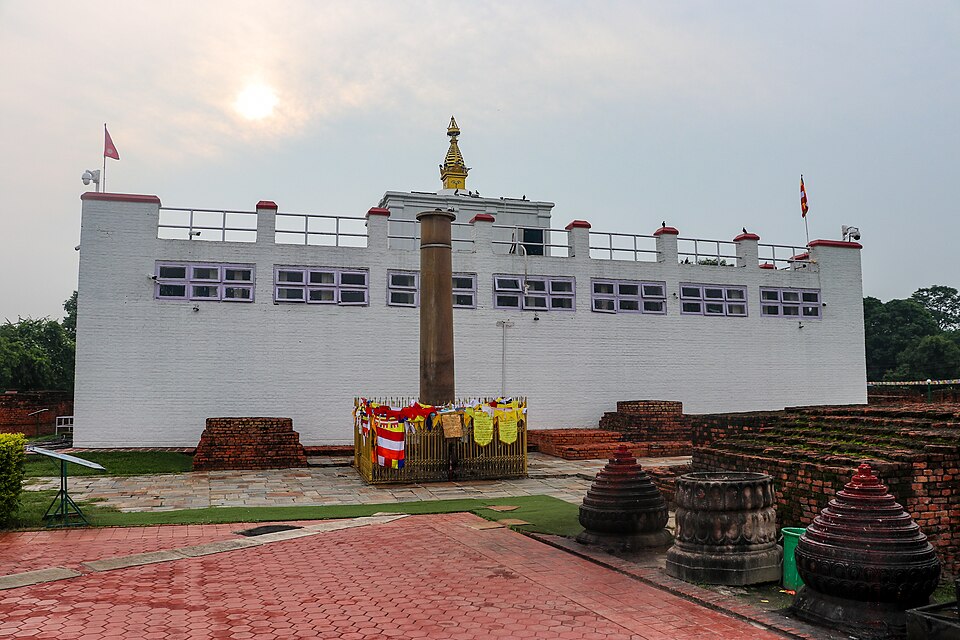
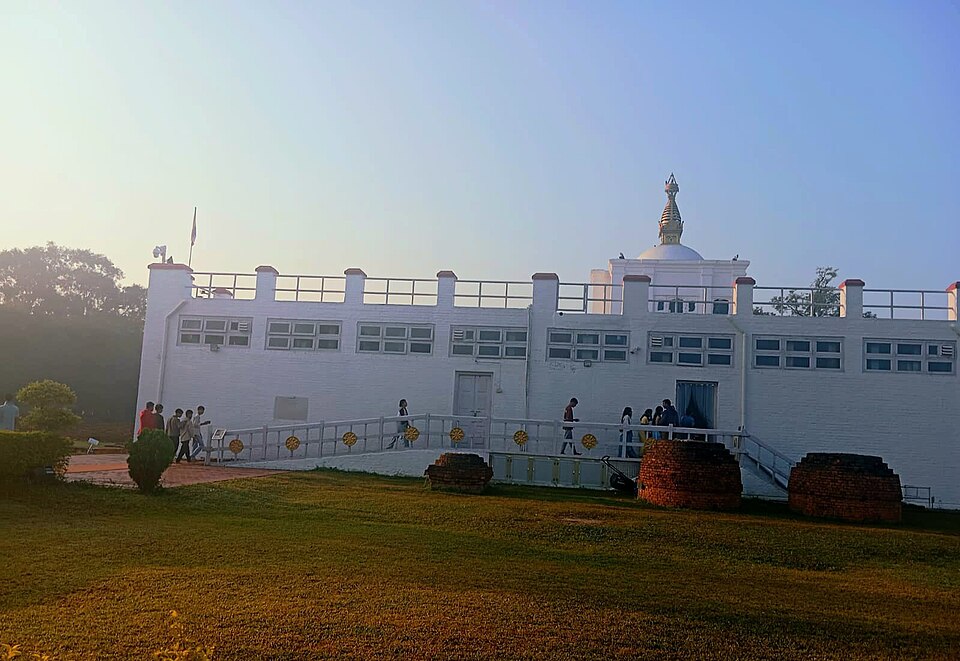
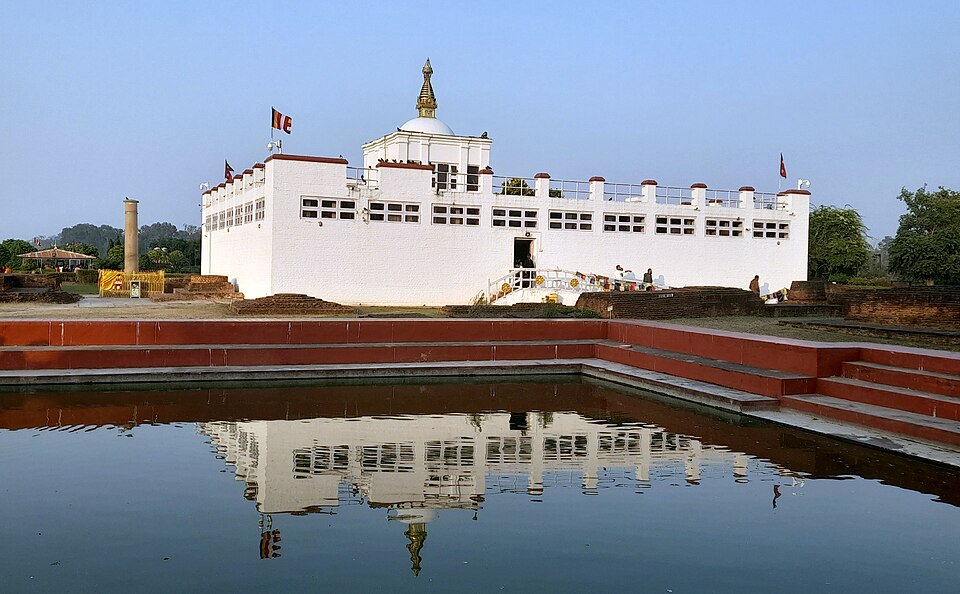
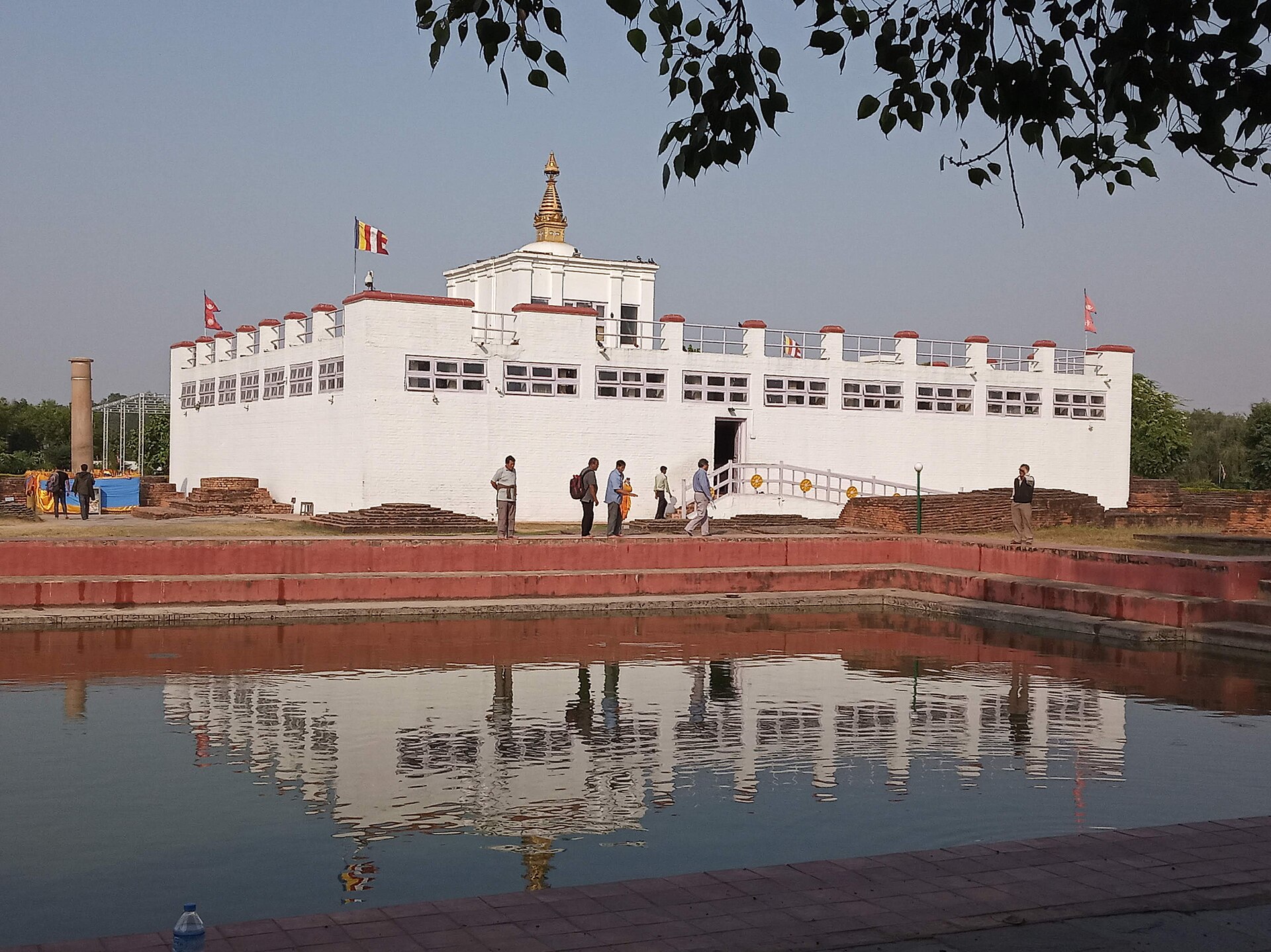
Maya Devi Temple
The Maya Devi Temple encloses the spot venerated for over two millennia as the birthplace of the Buddha.
Ask
Every sentence that rests on a source carries its number, and the source is one tap away. When nothing supports an answer, it says so instead of guessing.
Example answers, written from the app’s own sources
The Mauryan emperor Ashoka raised it in 249 BCE, in the twentieth year of his reign, to mark the Buddha’s birthplace. Its inscription is in Brahmi script, in Pali.
Sources agree
Tap a number to see its source.
Report
A photo, a category, a few words. It works offline and sends when you are back in range. Then you follow it: every step is added by the people who look after the site, only when they act.
An example of how a report moves
Cracked plaster on the outer wall
Received
2 Nov
Acknowledged by the site
4 Nov
Being worked on
9 Nov
“Mason booked for repair”
Resolved
Nothing moves forward on its own. A report with no action stays “received”.
Every visit, a full circle
Arrive
The place introduces itself, at the depth you chose.
Ask
A question, answered from sources, or an honest “not known”.
Witness
A photo from the marked viewpoint joins the record of how it changes.
Report
Flag what is wrong, and follow it until the site resolves it.
Start with a place
Read one before you go, or open it standing in front of the place itself. No install, no account.
Walk in 360°
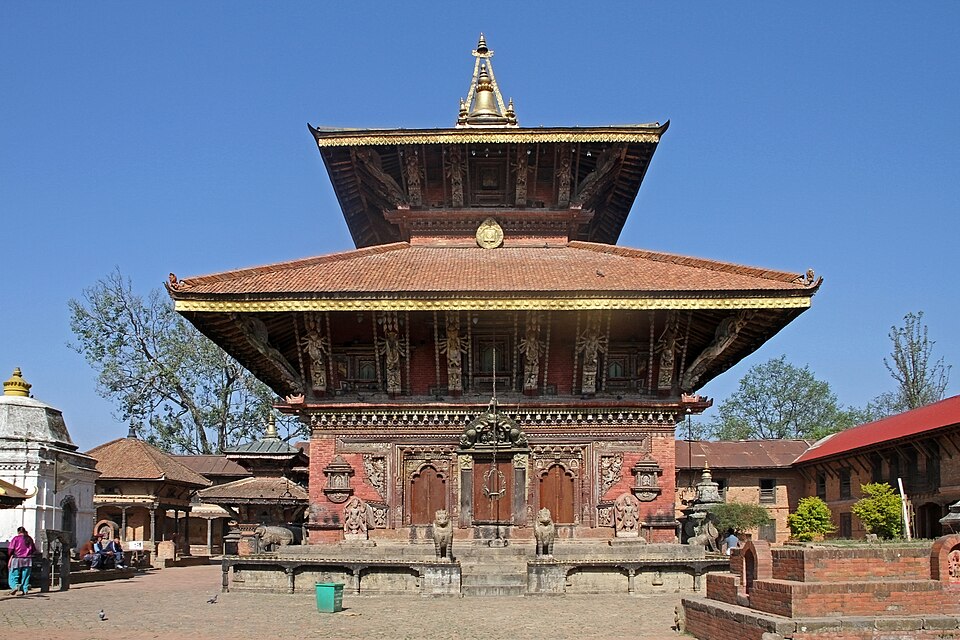
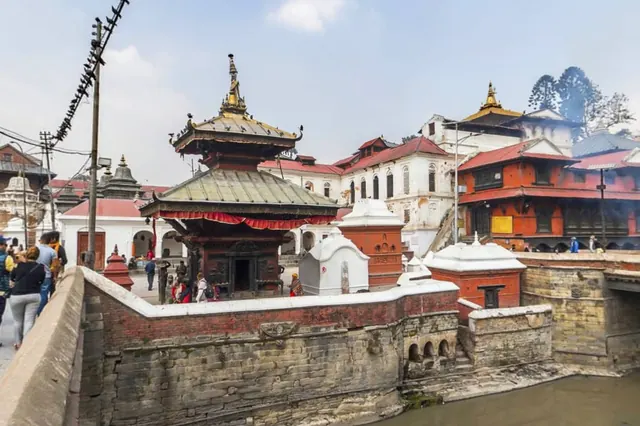
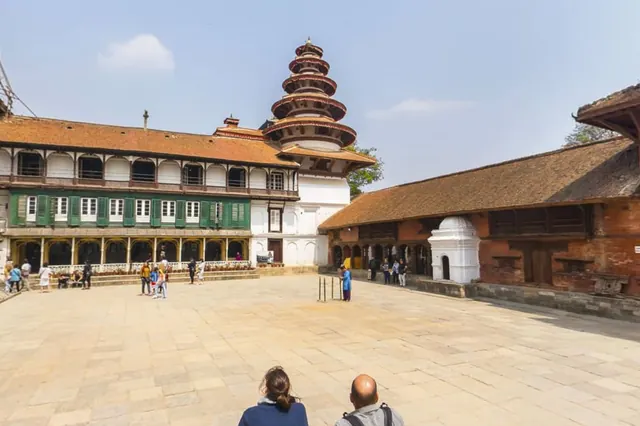
Five places, photographed by our own team as full spheres. Step from view to view in the browser, with the app’s narration on what is in front of you.
Photographs: O.M.X Lab
The explorer
This is not a picture of the app. It is the app's own data, generated from the same seed files the phone ships with. Move the wisdom control and watch a place say more without ever saying anything it cannot source.
0/15
places reached
250 BCE to present
The Maya Devi Temple encloses the spot venerated for over two millennia as the birthplace of the Buddha. Inside lie the Marker Stone, believed to fix the exact nativity point, and the worn Nativity Sculpture showing Queen Maya Devi grasping a sal branch. Excavation revealed brick structures built in phases from the 3rd century BCE, laid over a still older shrine, arranged as fifteen box-like chambers in five east–west and three north–south rows around a circumambulatory path. The present whitewashed temple was rebuilt by the Lumbini Development Trust in 2003 to shelter these remains. It marks the first of the four great pilgrimage places: birth here at Lumbini, awakening at Bodh Gaya, first teaching at Sarnath, and parinirvāṇa at Kushinagar. The interior is a protected archaeological space; photography inside is generally restricted, so confirm on arrival before capturing.
Rediscovery 1896–1899
Khadga Shamsher Rana and Anton Führer clear a mound crowned by a shrine to 'Rummini-dei', uncovering the Ashokan pillar and its inscription. P. C. Mukherji surveys and plans the site in 1899, recovering the main part of the Nativity Sculpture.
Reconstruction 1933–1939
Keshar Shumsher excavates the mound and rebuilds the Maya Devi Temple. The work was later criticised by Debala Mitra as unscientific, having damaged or destroyed structures exposed by earlier surveys.
Conservation 1962–1985
The Master Plan era. Kenzo Tange's plan for Lumbini is adopted, and systematic Department of Archaeology surveys begin in 1970–71.
Re-excavation 1992–1997
Renewed excavation exposes the phased brick structures beneath the temple. The Marker Stone is found in 1996, and Lumbini is inscribed on the UNESCO World Heritage List in 1997.
Present temple 2003
The Maya Devi Temple is rebuilt by the Lumbini Development Trust to shelter the excavated remains and the Marker Stone.
The full description, its facts, and the records they came from.
Drone surveys and photogrammetry by Nepali surveyors, university teams and photographers. Each plays in Sketchfab’s player with its creator’s credit, and nothing loads until you press play.
In the app, a 3D badge on the map marks each one.
Where the answers come from
Sākṣī is built from records you can check, and it shows which one each fact came from. When a value was never measured, it says “not recorded” rather than inventing one.
For heritage institutions
The custodian dashboard shows coverage, median time to acknowledgement, and every open report by site and status, with CSV and GeoJSON export for a real GIS workflow. A custodian can acknowledge a report, mark it in progress, or resolve it with a note through the responsive web portal. Invited staff sign in by email magic link and see only the sites assigned to them; the visitor app links to that portal instead of carrying a second privileged login.
Short answers to what people ask first. The privacy page has the full detail.
Android 7.0 and above. An iPhone version is coming soon.
Sākṣī is distributed directly rather than through the Play Store, so Android needs your permission once before it will install. Enabling "Install from Unknown Sources" applies only to the app you grant it to, and you can revoke it in Settings afterwards.
The map, the content and the knowledge base are all on the device. Every reading is written to a database on the phone before anything touches the network, because the moment you are standing there cannot be rescheduled.
No. No name, email or phone number is collected from a visitor; every write is attributed to a random device id and an anonymous account, neither of which identifies a person. Offline map packs, trek routes and the essentials listings are stored on the phone and need no account.
Ask about Buddhist texts or heritage conservation and get an answer built only from real, cited passages, or an honest refusal when the sources will not support one.
No. Sākṣī is made and run by O.M.X Lab Private Limited. Site and viewpoint coordinates are real but not all survey-grade, and the app labels the ones that are approximate. Nothing here is an official publication of the Lumbini Development Trust or UNESCO.
Yes. In the app: Settings → Privacy. Export downloads everything the device is holding, synced or not, as a file. Delete wipes the device's own copy of every personal record, removes its photographs, and gives the device a new, unlinked identity. It cannot remove a report already shared into a site's record: that record does not erase evidence, the same reason a mistaken observation is corrected by a later one rather than deleted.
Installing the APK
Sākṣī is distributed directly rather than through the Play Store, so Android needs your permission once before it will install.
Enabling "Install from Unknown Sources" applies only to the app you grant it to, and you can revoke it in Settings afterwards.
Tap the button above on your Android device. Your browser may warn that this file type can harm your device: that notice appears for every APK, and it is safe to keep.
Open the downloaded file. Android will offer to take you to Settings → Install unknown apps. Grant permission to whichever app you downloaded with: usually Chrome or Files.
Return to the file and tap Install. Grant camera and location when Sākṣī asks: the witness view cannot align to a vantage without them.